Not every launch monitor works well in a hitting bay. Indoor use changes the requirements. You need accurate data without ball flight through a net, compatibility with your sim software, and a unit that handles controlled lighting well.
Indoor use changes the requirements significantly. You need: accurate data without tracking ball flight through a net, consistent performance under artificial lighting, and compatibility with your simulator software of choice. Spin measurement matters more indoors because you can't see the ball flight to sanity-check the data. Camera-based and photometric units generally outperform radar indoors. They capture data at or near impact rather than tracking the ball in flight. Radar units can still work but typically require more clearance behind the ball.
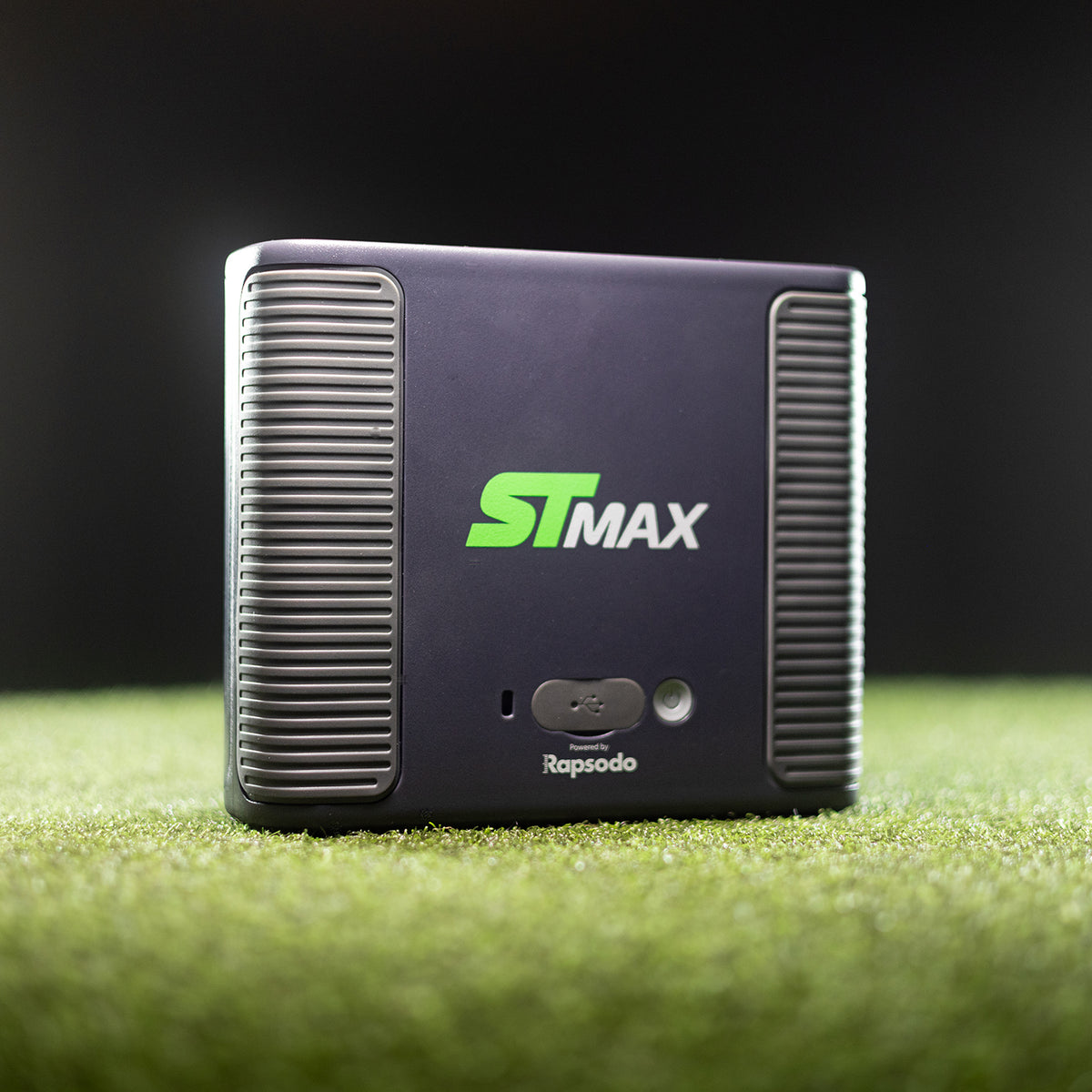
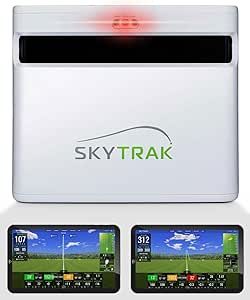
The home-sim benchmark: the SkyTrak ST MAX (manufacturer photo)
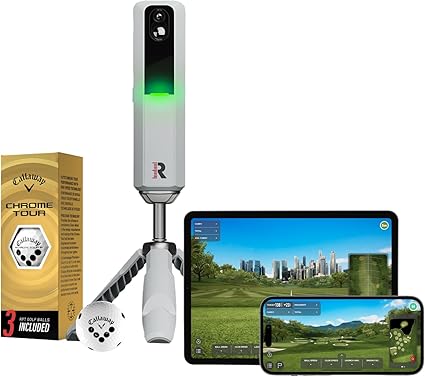
The MLM2Pro is the strongest value pick for a home simulator under $1,000. It uses a dual-camera and radar hybrid to capture impact data (including real spin) without needing ball flight through the net. Spin measurement requires Rapsodo's marked balls, which is a minor ongoing cost, but the accuracy improvement over spin-estimation-only radar units is meaningful for sim play. Simulator access runs through the Rapsodo Golf app at around ~$199.99/yr: check the app store for current subscription pricing. Setup involves mounting on a tripod at hip height aimed at the impact zone, with adequate lighting for the cameras to work reliably.
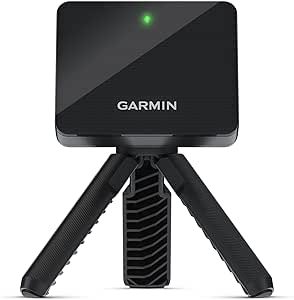
The Garmin R10 is the most affordable path to a home simulator experience. At $489.50† plus around $99.99/yr for the Garmin Golf app, you get access to 40,000+ virtual courses and 14 tracked metrics. The trade-off for indoor use is its radar technology: it needs roughly 5–6 feet of clearance behind the ball before it hits the net, so very shallow bays can be a problem. Spin is estimated rather than directly measured. For golfers who want occasional sim play without a significant investment, the R10 is a practical starting point, just measure your bay depth first.
Space requirement: Radar units like the R10 need at least 5–6 feet of clearance behind the ball for the radar to register the shot before net impact. Measure your bay depth before buying: camera-based units like the MLM2Pro work in tighter spaces.
Premium 4-camera photometric, GSPro + E6, no annual subscription
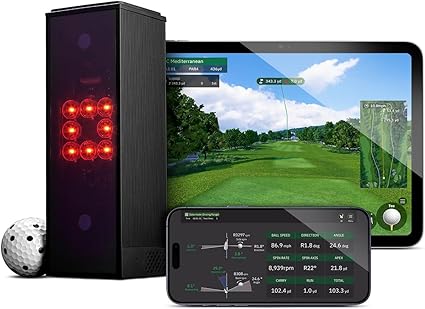
The Square Golf Omni is a strong new entry at the mid-range tier. It uses a 4-camera photometric system to deliver measured spin and 17 tracked metrics: no marked balls required, no subscription fees. It supports both GSPro and E6 Connect natively, which covers the two most popular sim platforms for serious home users. The no-subscription model is a meaningful long-term cost advantage over units that lock features behind annual fees. The Omni began shipping in July 2026, with dealers listing short backorder windows. It hasn't been in golfers' hands for long, so independent long-term accuracy data is still limited. Worth watching closely as a premium value alternative to the Bushnell and SkyTrak+.
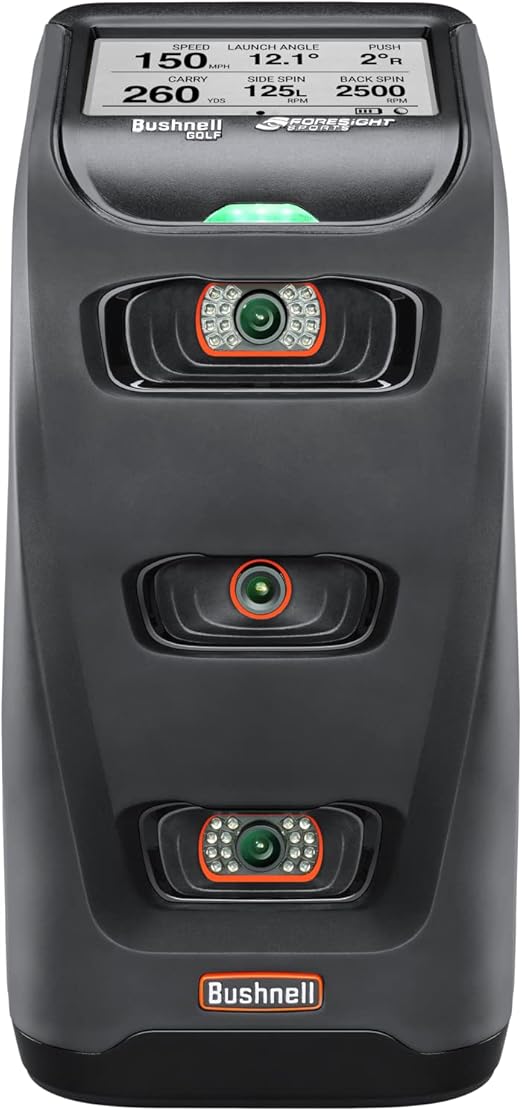
Bushnell Launch Pro (Circle B Edition) (around $2,969.17† ]) check current price
Photometric (GC Quad core), FSX Play + GSPro Gold support
The Bushnell Launch Pro is a rebadged Foresight GC Quad (one of the most respected photometric engines in the industry) sold at a significantly lower price point. The Circle B Edition at $2,969.17† supports FSX Play and GSPro (Gold tier). Photometric technology captures data at impact with high accuracy and works reliably in any indoor lighting condition without needing ball flight through the net. The Bushnell is one of the few options in this price range where the underlying accuracy has been independently validated at close-to-professional levels. A strong pick for anyone building a serious dedicated sim room.
Photometric + radar hybrid, FSX/TGC/WGT/E6/GSPro, now superseded by SkyTrak ST MAX
Note: The SkyTrak+ has been discontinued and superseded by the SkyTrak ST MAX. If you're shopping new, look for ST MAX availability. Used and clearance SkyTrak+ units may still be available: the hardware remains capable.
The SkyTrak+ was notable for the broadest simulator software compatibility of any unit at its price: FSX Play, The Golf Club 2019 (TGC), WGT, E6 Connect, and GSPro. It uses a photometric and radar hybrid, so it captures data without requiring ball flight through the net and performs reliably under artificial lighting. For a dedicated home sim room where software flexibility matters, it was a compelling choice, and used units may offer good value if ST MAX pricing proves higher. Subscription adds around $200/yr for full feature access.
Sim Advantages
Most sim platform integrations (FSX/TGC/WGT/E6/GSPro)
For dedicated sim rooms where accuracy is paramount, three units stand above the rest. All use overhead or side-mounted photometric systems and deliver professional-grade data:
FlightScope Mevo+: around check current price (MSRP; now superseded by Mevo Gen2). Radar-based with 27 metrics, E6 Connect and GSPro support. Needs ~10ft clearance behind the ball indoors, which rules it out for shallow bays. No-subscription sim access was a strong selling point. Check availability on the updated Gen2.
Uneekor Eye Mini: around $2,999.00†. Overhead-mounted camera system: no placement issues at the ball position. Delivers tour-level spin and launch data. Works with TGC, E6, Creative Golf 3D, and more.
Foresight GC3: around $3,799.00†. Three-camera photometric, same Foresight accuracy engine that underpins the Bushnell Launch Pro. Floor-mounted at ball position. Broad sim software support including FSX 2020 and TGC.
Full Swing KIT: around check current price. Used by many tour pros. Overhead radar system, works without any special ball or placement. Supports FSX, E6, and others. Extremely low profile ceiling mount.
TrackMan iO (around $13,995) and TrackMan 4 (around $24,995) represent the top of the market but are typically overkill for home use. They're primarily commercial and tour fitting tools.
GSPro note: GSPro ($150 one-time) is currently the most popular sim platform for serious home users: better graphics than E6, growing course library, and active community. The Square Golf Omni, Bushnell Launch Pro, SkyTrak+, GC3, and Uneekor Eye Mini all support it.
Home Sim Setup Tips
Minimum space requirements
For radar units (Garmin R10): you need at least 5–6 feet of clearance from the ball to the net, and ideally 12ft of ceiling height. For camera and photometric units (Rapsodo MLM2Pro, Square Golf Omni, Bushnell Launch Pro, SkyTrak+): 8ft of depth is typically sufficient since they capture data at or near impact rather than tracking ball flight.
Lighting for camera units
Two 500W LED shop lights (approximately $30 each at any hardware store) aimed at the impact zone are a common recommendation for camera-based units like the Rapsodo MLM2Pro to perform reliably. Position them flanking the impact zone at roughly 45° angles. Photometric units like the Bushnell and SkyTrak+ are generally less sensitive to ambient lighting conditions.
Impact screen vs. net
A proper impact screen + projector gives a dramatically better simulator experience than hitting into a net and watching your phone. Budget $300–$600 for a quality impact screen. Camera-based and photometric units work equally well behind either setup.
Related Guides
Editorial Independence: Product data sourced from published manufacturer specifications and publicly available pricing. Prices fluctuate: always check current price before purchasing. Affiliate links earn a small commission at no cost to you.
FAQ
The Rapsodo MLM2Pro at around $699 is the top pick under $1,000 for home simulators. It uses a camera and radar hybrid to capture real measured spin and club data without needing ball flight through the net, and supports simulator play through the Rapsodo Golf app (subscription ~$199.99/yr). Marked balls are required for spin measurement. The Garmin R10 at around $500 is a viable alternative if you have sufficient bay depth (5–6ft behind the ball) and are comfortable with the Garmin Golf app's course library.
Yes, with space limitations. The Garmin R10 needs at least 5–6 feet of clearance behind the ball before the net for its radar to register the shot. In a bay that's 10ft or less deep, this can be tight. It connects to the Garmin Golf app (~$99.99/yr) for course play on 40,000+ virtual courses. It's the most affordable entry point for sim play, but camera-based units like the Rapsodo MLM2Pro work better in tighter spaces.
The SkyTrak+ has been discontinued and replaced by the SkyTrak ST MAX. You may find remaining new-old-stock or used units: the hardware remains capable and supports a broad range of sim software (FSX, TGC, WGT, E6, GSPro). For new purchases, check ST MAX availability and pricing.
Both work with most launch monitors. A hitting net ($100–$300) is the simplest option. You watch your data on a phone or tablet. A proper impact screen + projector ($300–$600 for the screen, $300+ for a projector) creates a full visual simulator experience. If the full sim experience is the goal, budget for a screen and projector.
The Square Golf Omni is a $1,599 premium 4-camera photometric launch monitor announced at the 2026 PGA Show. Its current listing names 15 data points including measured spin, and it supports GSPro and E6 Connect without a mandatory Square hardware subscription. It began shipping in July 2026. Independent evidence currently supports an indoor-first recommendation, while long-term owner data remains limited.
Get Better Golf-Gear Research in Your Inbox
New comparison guides, product updates, and practical simulator-planning research. No daily deal spam. Free bonus: the golf distance cheat sheet, instantly.