Golf Wallpapers
19 Free HD Backgrounds
Original golf course artwork for your phone and desktop: clifftop links, alpine fairways, cherry blossoms, and quiet misty mornings. Every wallpaper is free to download, no signup and no watermarks.
Nineteen free golf wallpapers, all original GolfLaunchLab artwork: fourteen portrait backgrounds sized for iPhone and Android, five wide panoramas for desktop. Tap the one you like, hit download, and set it as your background. Free for personal use, no signup, no watermarks.
Phone Wallpapers
Portrait backgrounds in a 2:3 ratio that crops cleanly on any modern phone. Every golf mood is here: storm light on the links, cherry blossoms in spring, frost at dawn, and the blue hour after the last putt drops.

Cliffside Par 3 Over the Ocean
Download free ↓
Storm Light on the Links
Download free ↓
Cherry Blossom Fairway
Download free ↓
Lavender Twilight Green
Download free ↓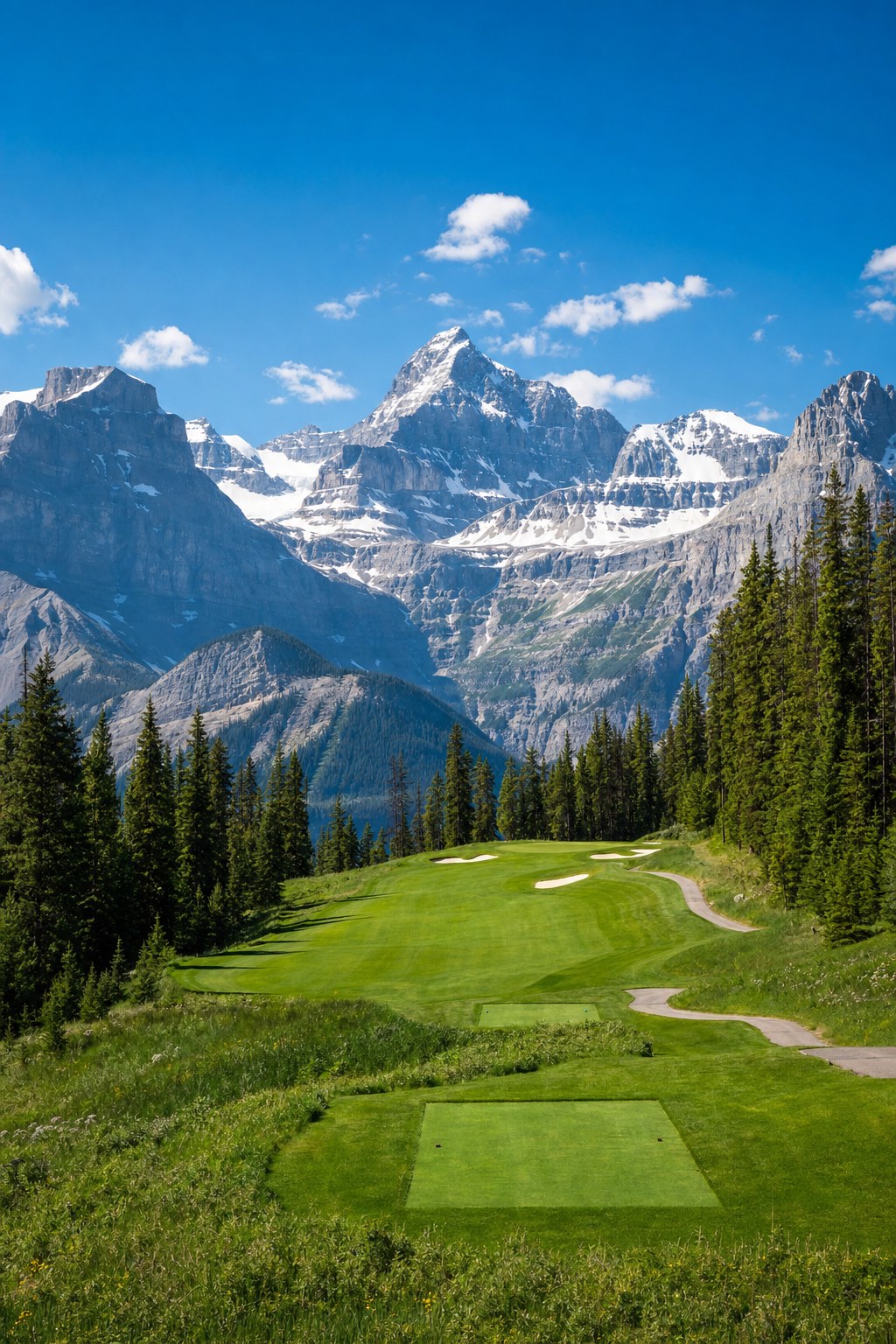
Alpine Fairway and Snow Peaks
Download free ↓
Blue Hour Over the Flagstick
Download free ↓
Frost at Dawn
Download free ↓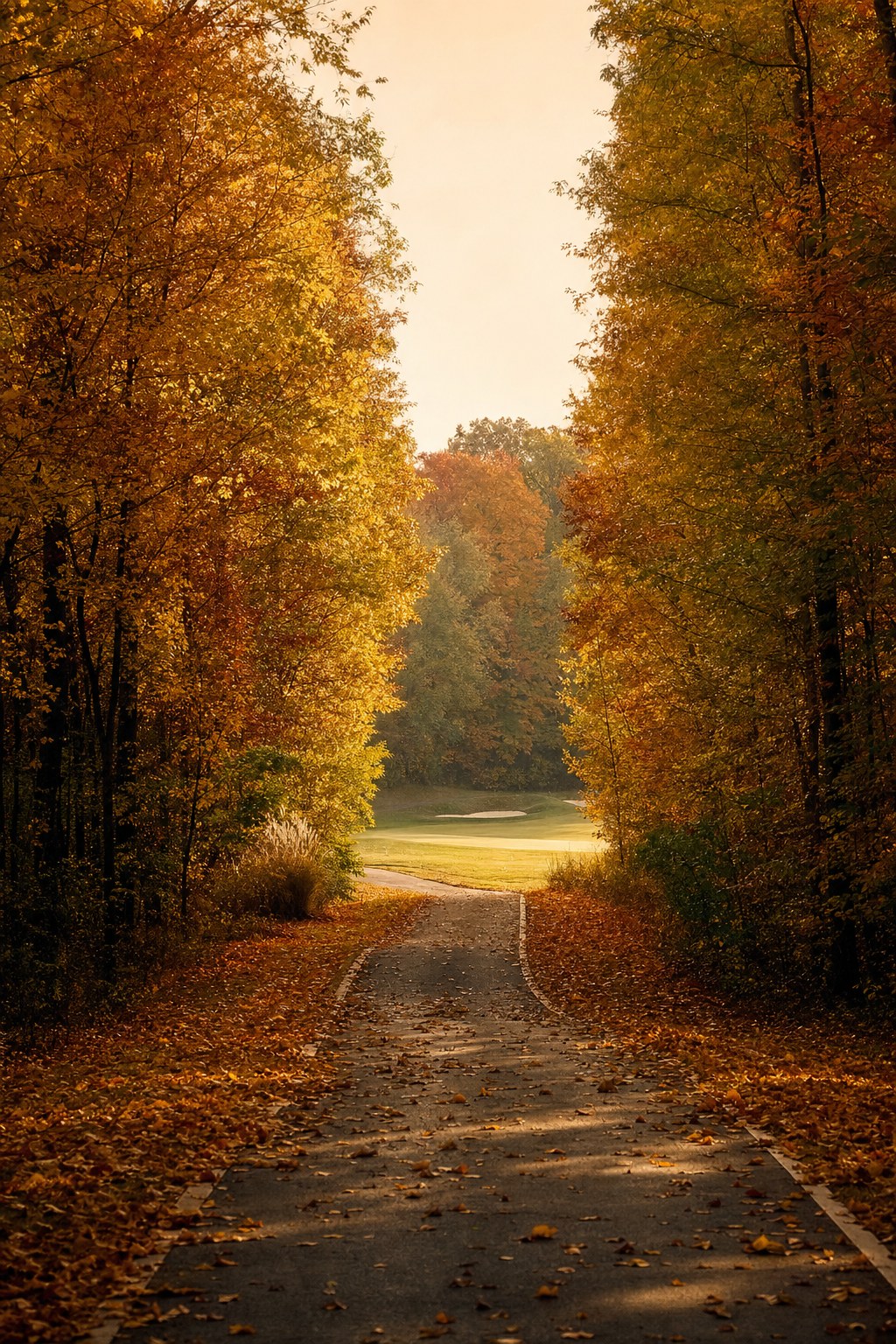
Autumn Tunnel to the Green
Download free ↓
Floating Green on Still Water
Download free ↓
Boardwalk Through the Dunes
Download free ↓
Misty Dawn Fairway
Download free ↓
Coastal Links at Sunset
Download free ↓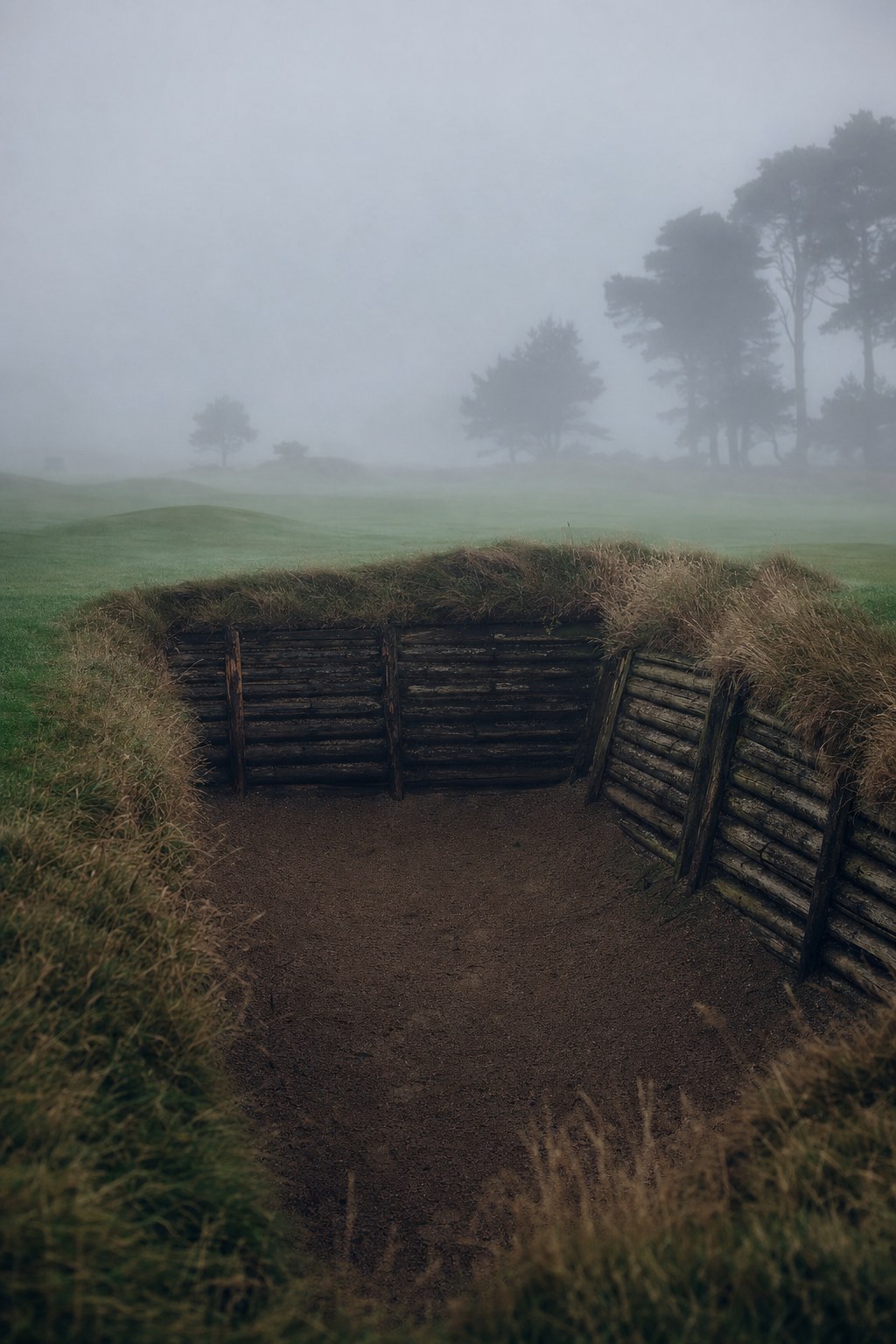
Pot Bunker in the Fog
Download free ↓
Cart Path Through the Wildflowers
Download free ↓Desktop Wallpapers
Wide panoramas for monitors and laptops. Set one of these and every time you close your tabs you're standing on the first tee.

Links Sunset Panorama
Download free ↓
Spring Parkland in Bloom
Download free ↓
Mountain Valley Course
Download free ↓
Ocean Cliff Hole
Download free ↓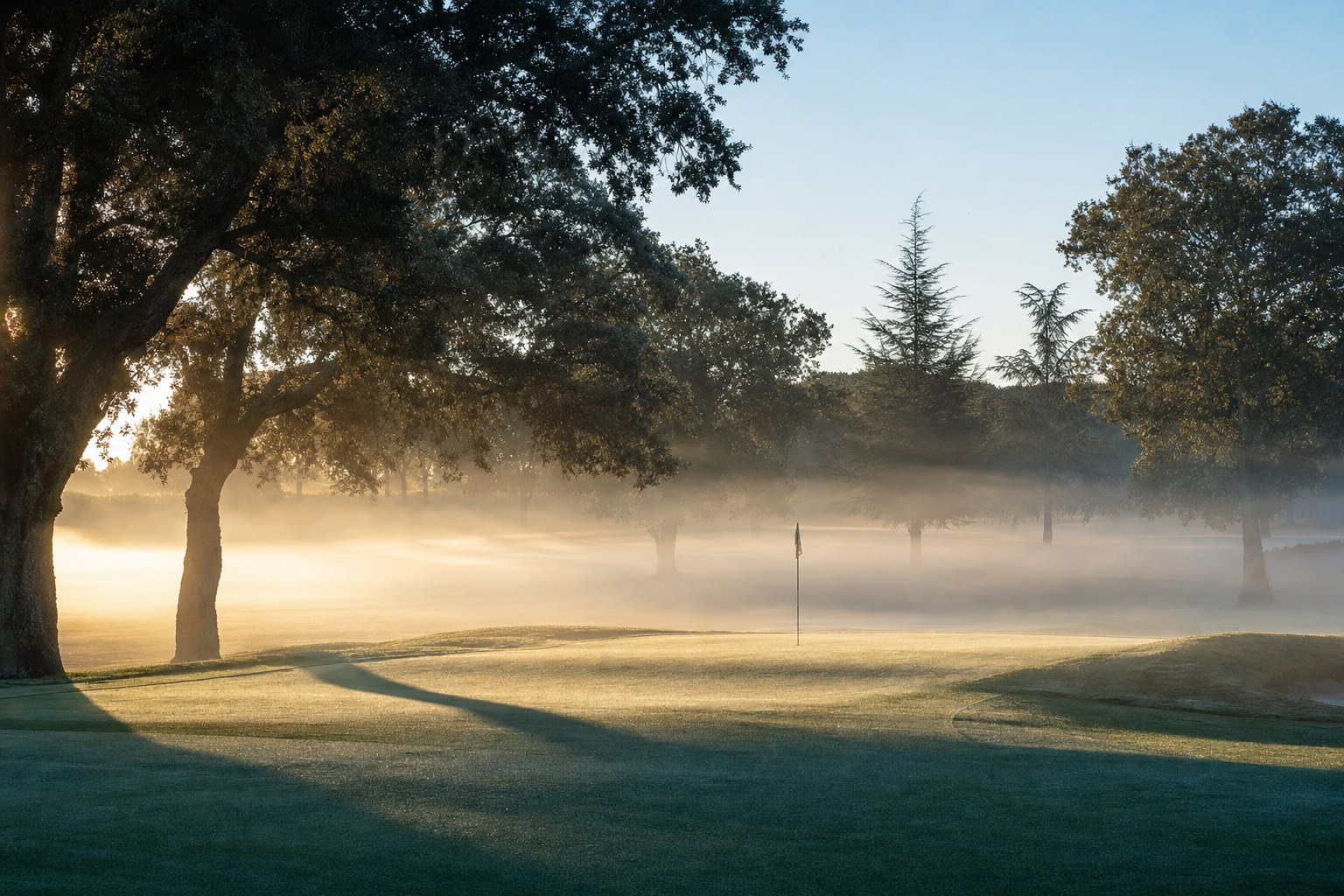
Misty Morning Parkland
Download free ↓How to Set a Wallpaper
iPhone: download the image, open Photos, tap the share icon, and choose "Use as Wallpaper." iOS lets you position the crop before you set it. Android: download, long-press the image in your gallery or Files app, and choose "Set as wallpaper." Desktop: right-click the downloaded image and choose "Set as desktop background" on Windows or use System Settings on a Mac.
All nineteen are original artwork we created for this collection, free for personal use. If the golf aesthetic is your thing, the dream golf courses gallery has the full bucket-list versions of these moods, and if you'd rather live in the picture than look at it, our simulator man cave guide shows what it costs to build one at home.
FAQ
Get Better Golf-Gear Research in Your Inbox
New comparison guides, product updates, and practical simulator-planning research. No daily deal spam. Free bonus: the golf distance cheat sheet, instantly.